VERSION 0.3.0 · LOCAL INDEXEDDB WORKSPACES

Save tab groups and next-step notes—without uploading URLs.

Keep 40 tabs from piling up without losing context. Tab Workbench saves your selected tabs, pinned tabs, and Chrome tab groups locally in IndexedDB with a next-step reminder, so you can preview and reopen only what you need later.

Free workspaces & JSON backups · Optional Pro US$7.90 launch (US$12.90 regular, one-time)

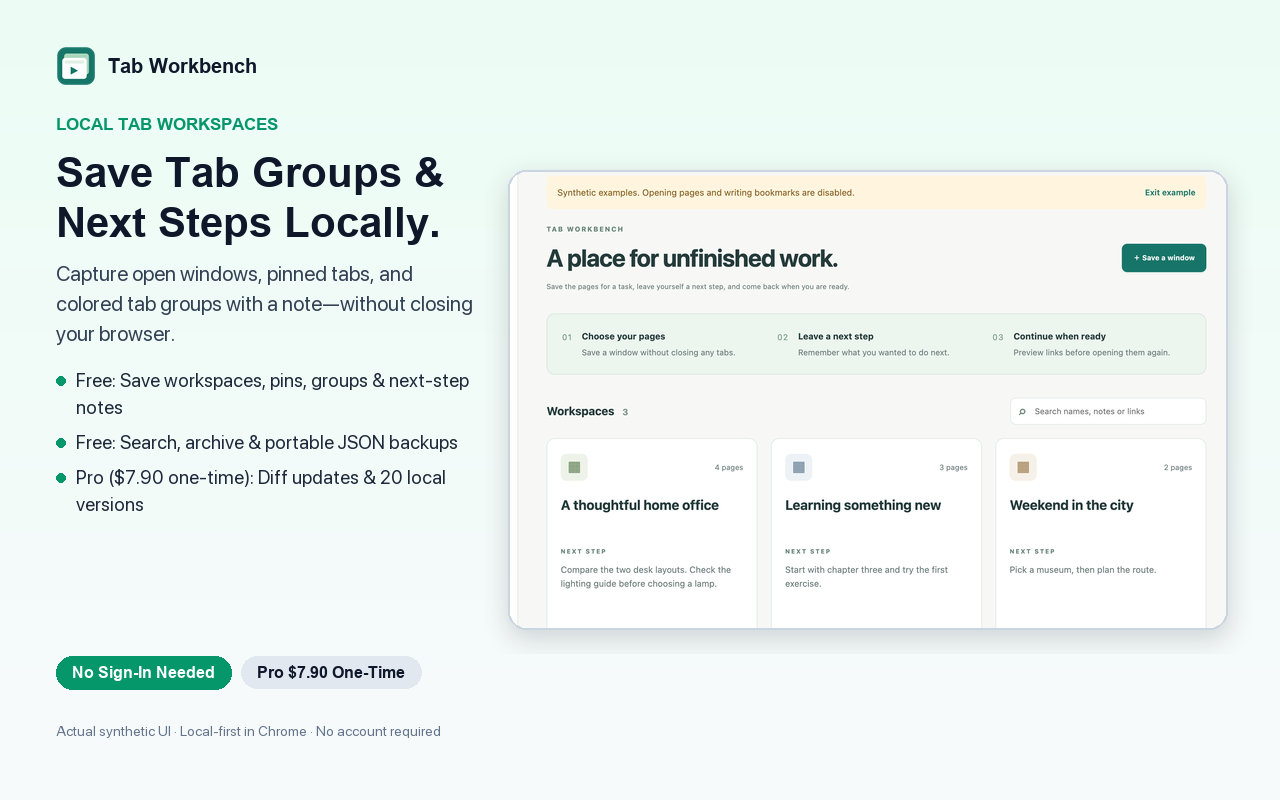
Tab Workbench workspaces overview with next-step notes
Workspaces saved locally with page counts and next-step notes

Free Core vs Optional One-Time Pro

Free Forever (No Sign-In)

  • Save Window as Workspace: Capture HTTP/HTTPS tabs, order, pinned states, and Chrome tab group colors/names without closing open tabs.
  • Next-Step Notes: Write what to do next so you resume days later without guessing.
  • Selective Preview & Reopen: Check only needed links and optionally skip URLs already open.
  • Optional Bookmark Export & JSON Backup: Export any workspace to a new bookmark folder or portable JSON file.
  • 8 UI Languages: English, 简体中文, 繁體中文, Español, Português (BR), 日本語, Deutsch, Français.
Optional One-Time Pro (US$7.90 Launch / US$12.90 Regular)

  • Reviewed Workspace Updates: Diff open window tabs against a saved workspace (added, removed, changed titles/pins/groups/order) before updating.
  • Local Version History: Keep and compare up to 20 historical snapshots per workspace locally.
  • One-Time Licence: Separate licence per extension, zero recurring fees or auto-renewal.
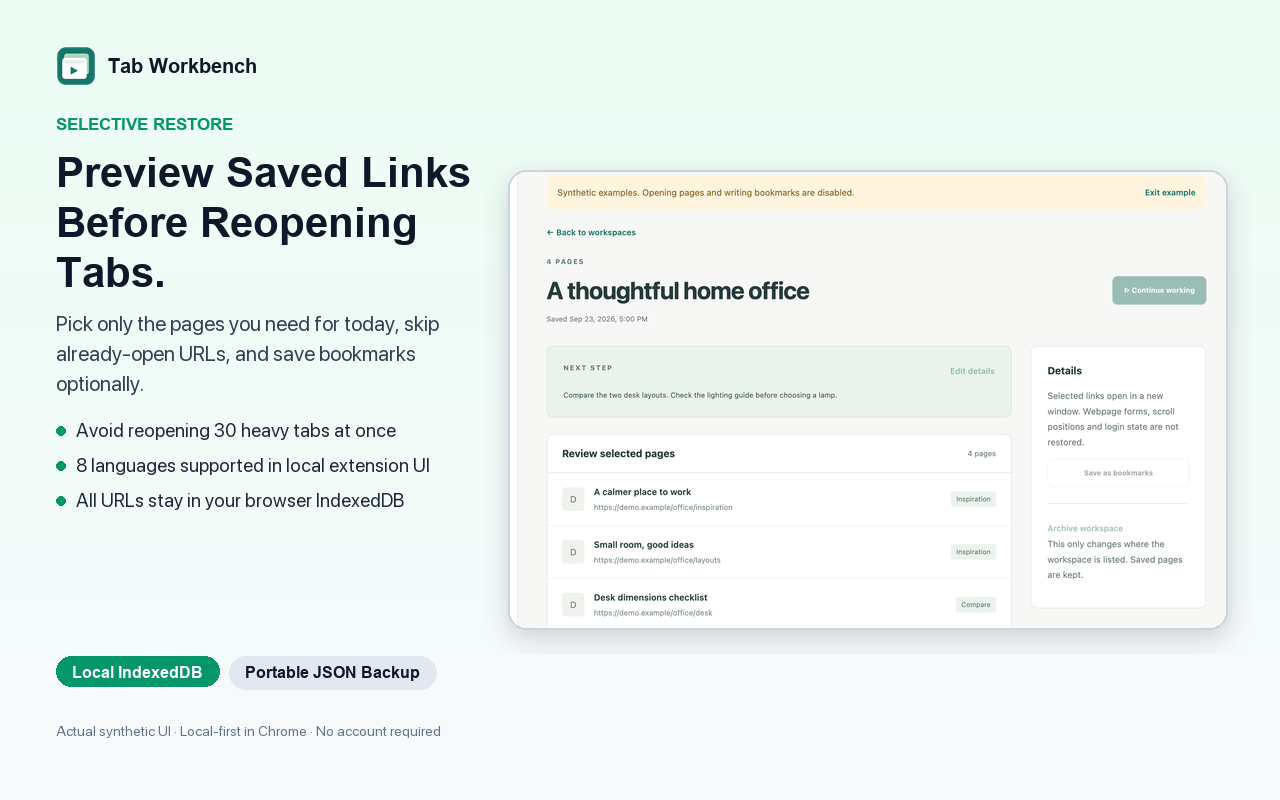
Tab Workbench selective reopen preview UI
Inspect links and notes before restoring selected pages

Preview links first instead of blasting 30 tabs open at once.

Supports up to 200 workspaces, 500 pages per workspace, and 10,000 pages total locally in Chrome IndexedDB. Export JSON backups anytime before switching machines.

Get Tab Workbench Free ↗

Frequently asked questions & honest limits

Does reopening a workspace restore scroll positions, form drafts, or login sessions?

No. Tab Workbench restores URLs, order, pinned states, and Chrome tab groups. Webpage form inputs, scroll offsets, and browser login cookies are governed by Chrome and individual websites.

Are workspaces synced across devices via the cloud?

No. Data stays in your local Chrome profile IndexedDB. Use the built-in JSON export/import tool to transfer workspaces between computers.